Seamless
Train Station
Pickups

Set up in seconds.
Faster than a text.

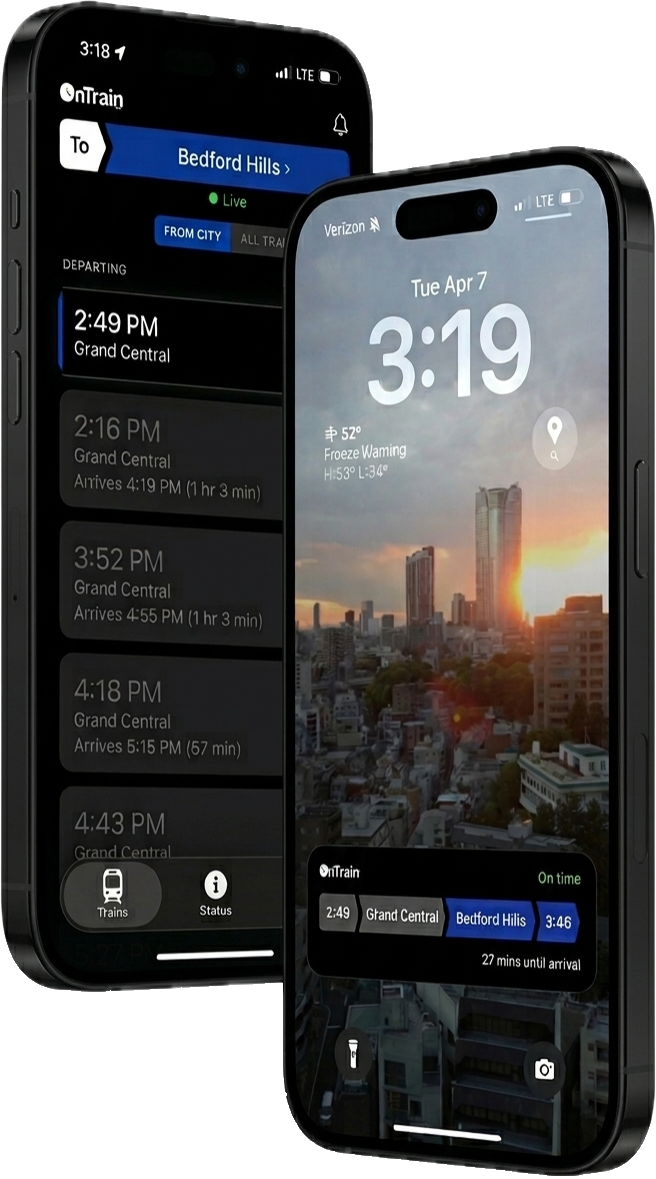
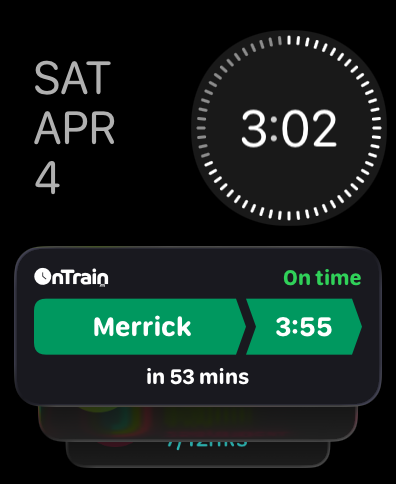
By pushing real-time LIRR and Metro-North trip data directly to your iPhone, Apple Watch, and CarPlay home screens, OnTrain ensures that station pickups are as seamless as possible.

OnTrain facilitates coordination between train riders and their family, friends, or spouses, making the entire pickup process effortless for everyone involved.

Stop wasting time with complicated transit apps and use one custom designed by a real commuting couple!

Sign Up for the Beta
Rider
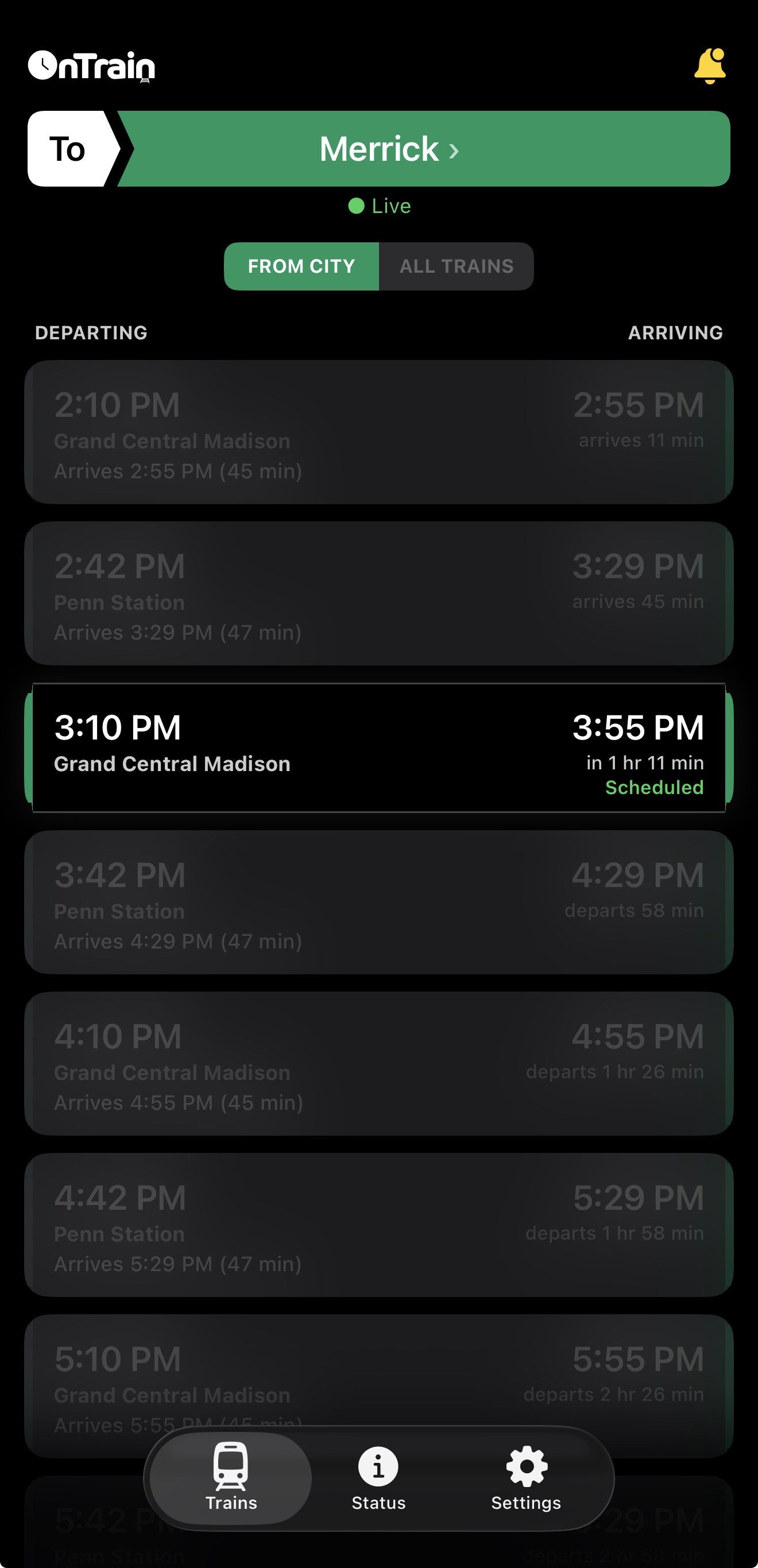
OnTrain app showing train arrivals for Merrick station
Driver
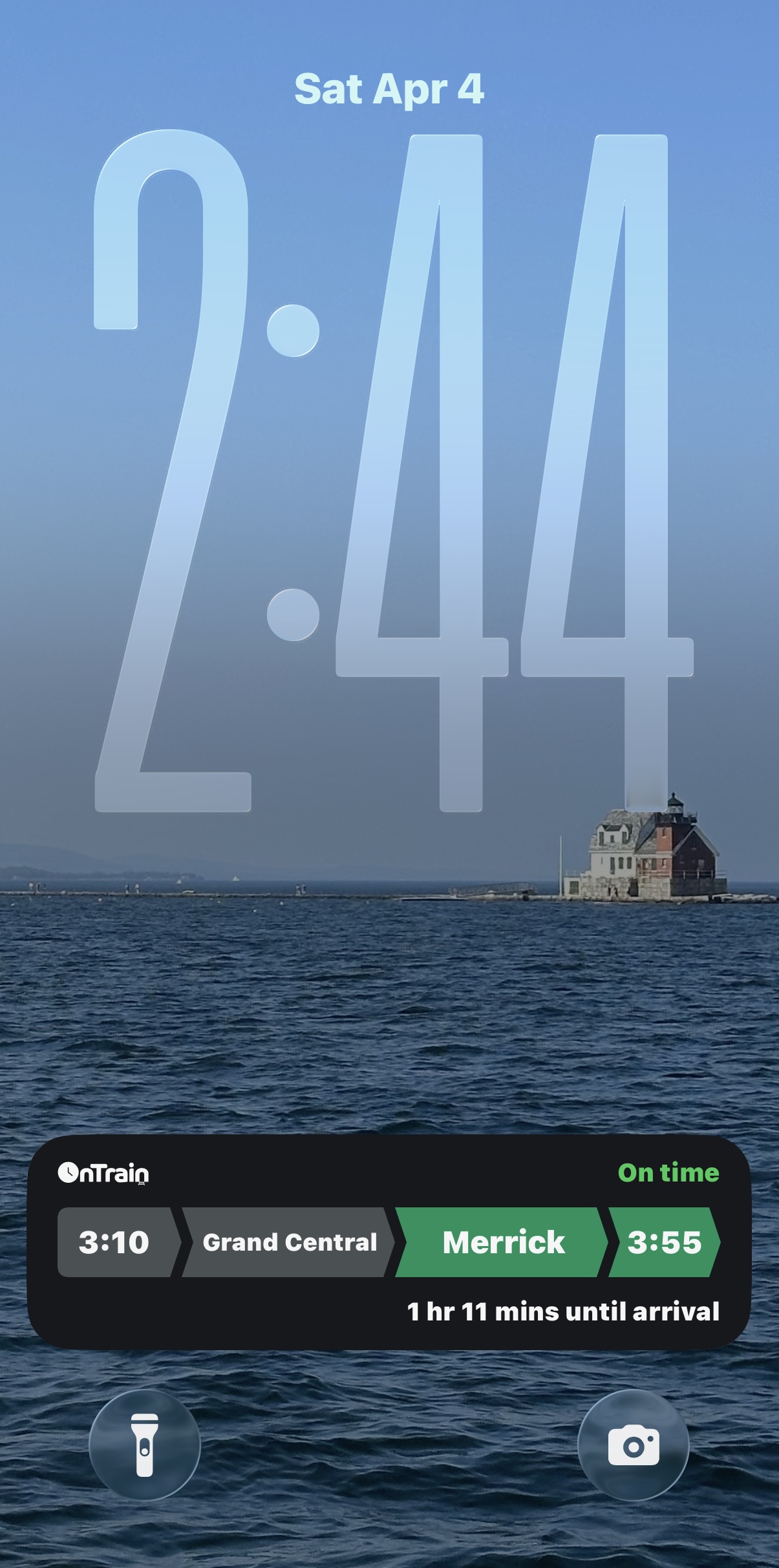
OnTrain Live Activity on iPhone lock screen showing trip to Merrick
CarPlay
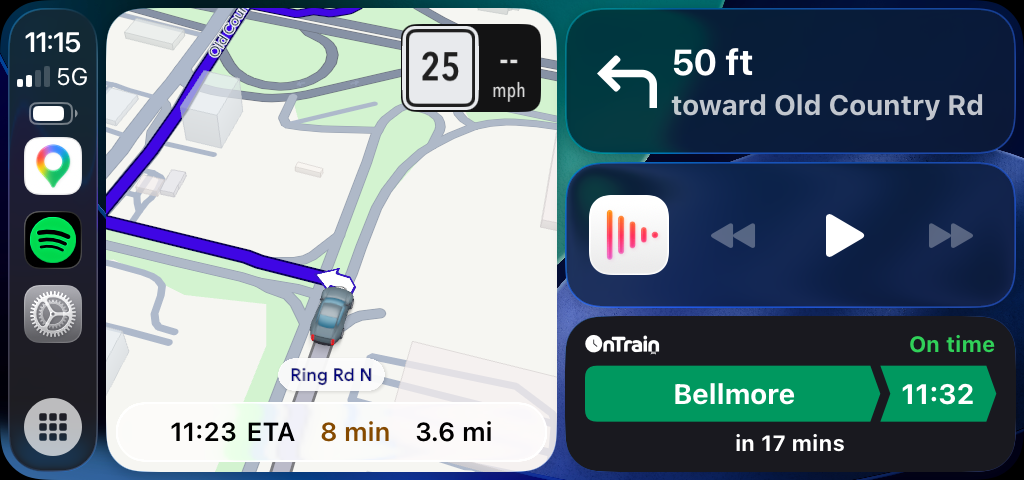
OnTrain on CarPlay showing trip to Bellmore
Apple Watch
OnTrain on Apple Watch showing trip to Merrick

Makes the commute easier
for both rider and driver.

Sign Up for the Beta

How It Works

Get setup in less than 30 seconds. Notify your partner faster than texting.

Getting Started

1
Download OnTrain
Both rider and driver download the app from the App Store. Don't worry about choosing a rider or driver role — whoever starts the trip is the rider for that session.
2
Pair Your Devices
Go to the Settings tab. One person taps "Show My Code" to display their pairing code. Use the sharing tool to send your code via Messages. The other person taps "Enter Partner Code" and types it in (or use Autofill). You're paired!

Starting a Trip (Rider)

1
Select Your Station
Choose your destination by tapping the station name at the top of the Trains tab. Use the From City filter to see trains coming from the city, or All Trains to see everything.
2
Select Your Train
Tap the train you're taking. This opens the trip details showing every stop along the route with live estimated arrival times.
3
Notify Your Driver
Tap "Notify Partner" at the bottom of the trip details. Your driver will instantly receive a push notification and a Live Activity will appear on both phones.
OnTrain rider view

Active trip - all other trains are blurred out.

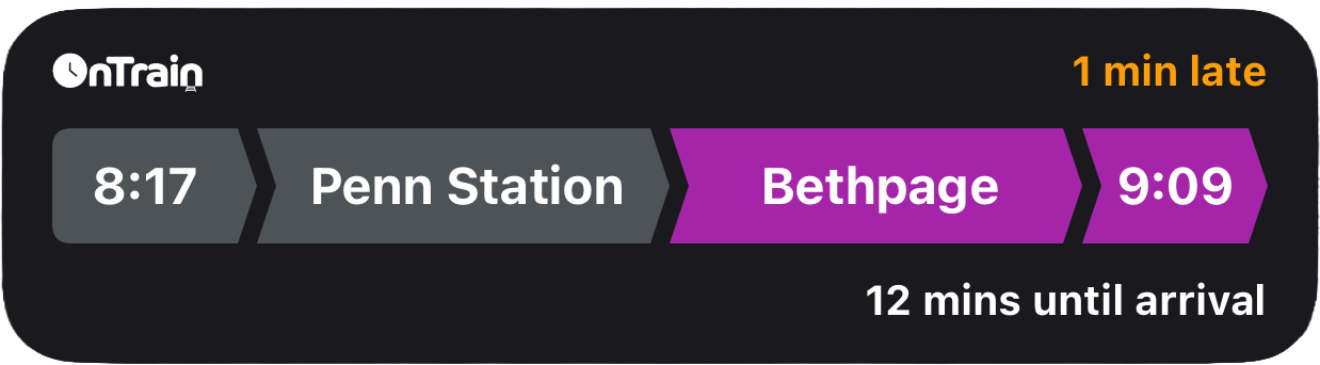
What happens next: The rider's Live Activity shows the train's progress with a countdown to arrival. The driver's Live Activity shows when the train arrives so they know exactly when to leave.

On the Driver's End

Sit Back and Relax
The driver receives live updates on their lock screen, Dynamic Island, Apple Watch, and CarPlay — no need to open the app. The arrival time updates in real-time as the train moves.
Leave-By Time (Optional)
In Settings, the driver can set their drive time to the station. OnTrain will calculate when they need to leave and send a reminder.
Arrival Notification
When the train arrives at the station, both the rider and driver are notified. The Live Activity ends automatically.
OnTrain driver lock screen

Lock screen during an active trip

Other Features

Trip Details
Long-press any train to see the full stop-by-stop route with scheduled and live estimated times. For stations that require a transfer, OnTrain automatically shows the connecting train.
Service Status
The Status tab shows live service alerts for every LIRR and Metro-North branch — delays, suspensions, and planned work.
Track Notifications
When a track number is assigned, OnTrain sends it to the rider via push notification.

Questions? Contact us at support@ontrainapp.com